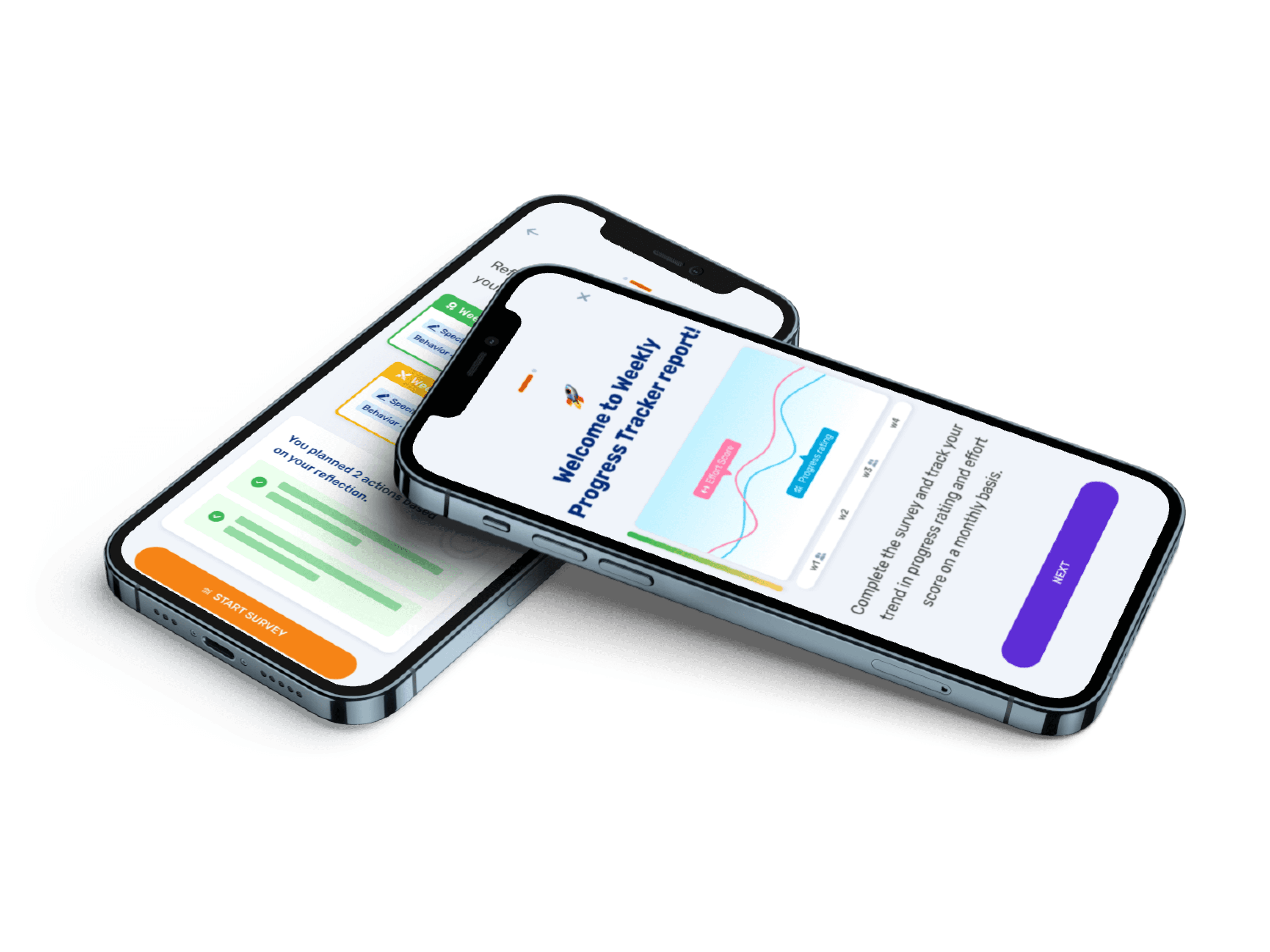
Coaching at your fingertips
AceUp's coaching platform was web-only. This project brought it to mobile — covering AI coaching onboarding, home tab redesign, session scheduling, resource feed, and Weekly Progress Tracker.
💬 Some details in this case study have been adjusted or generalized for portfolio presentation. Core decisions and design rationale reflect the actual work.
Project
Mobile app
Team
VP of product, PM, Software Engineer
Role
UI Designer
Timeline
2021-2024
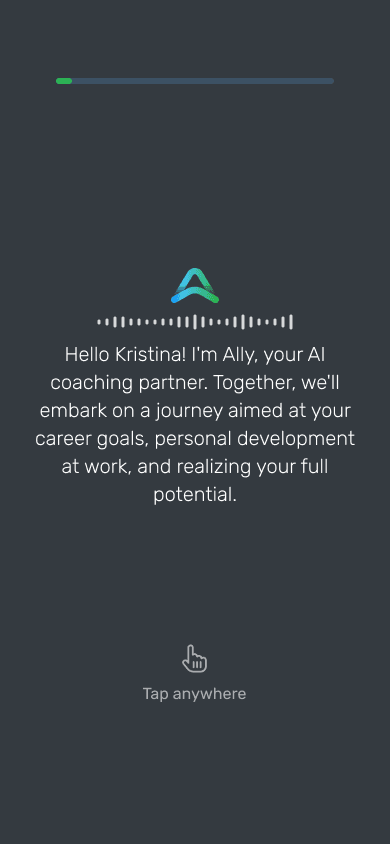
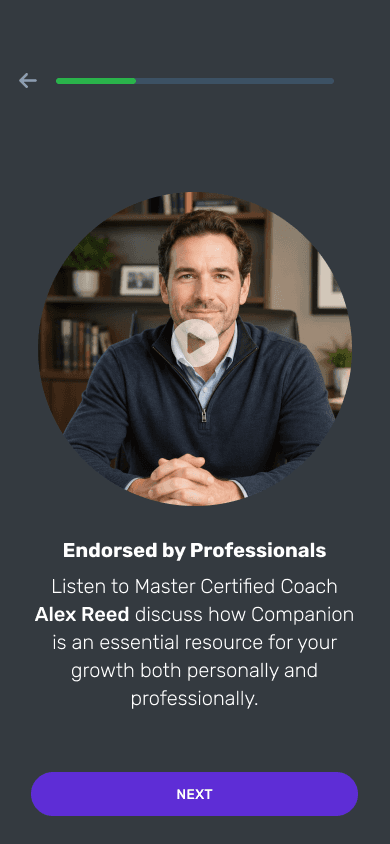
AI coaching onboarding
From intake to first coaching moment.
How to make onboarding feel like coaching not a form
Flow design
Mobile constraints
Internal testing
Reward moment
☕️
01. Started with chat
Ally-led "coffee chat" using intake results — light and conversational. Team response was positive.
🧪
02. Tested internally — found the real problem
Content worked. But users were spending too long reading. On mobile, text-heavy screens felt overwhelming and engagement dropped.
🧭
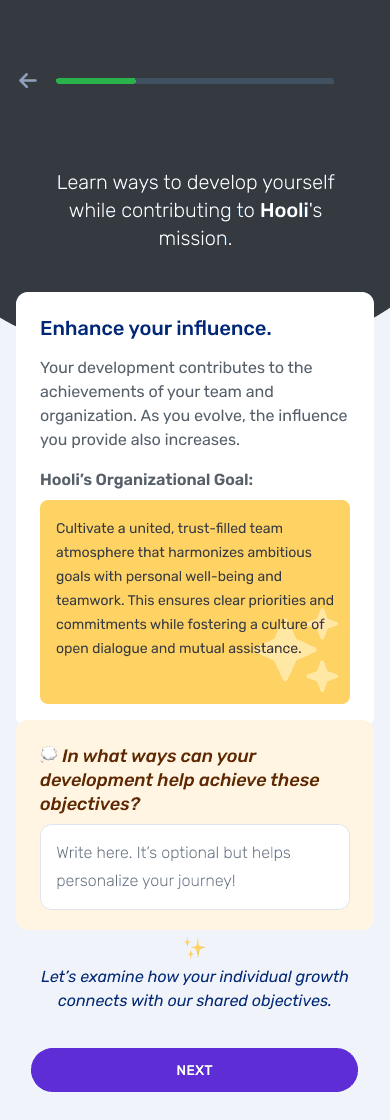
03. Dropped the chat format
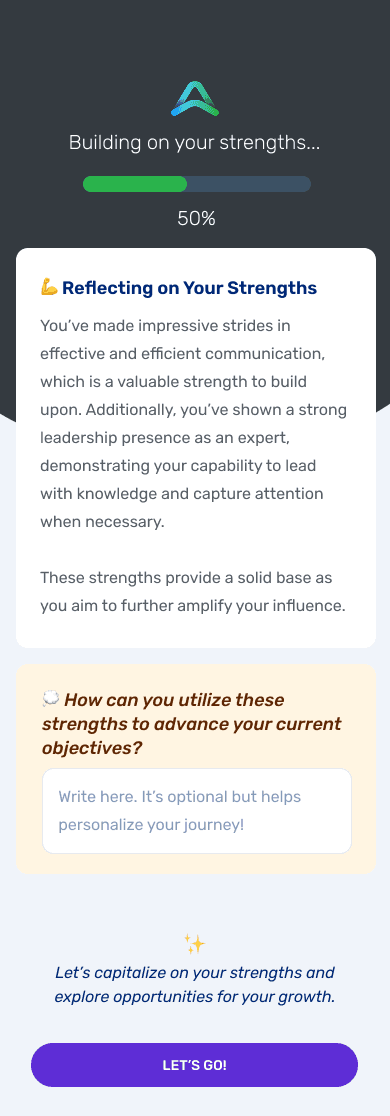
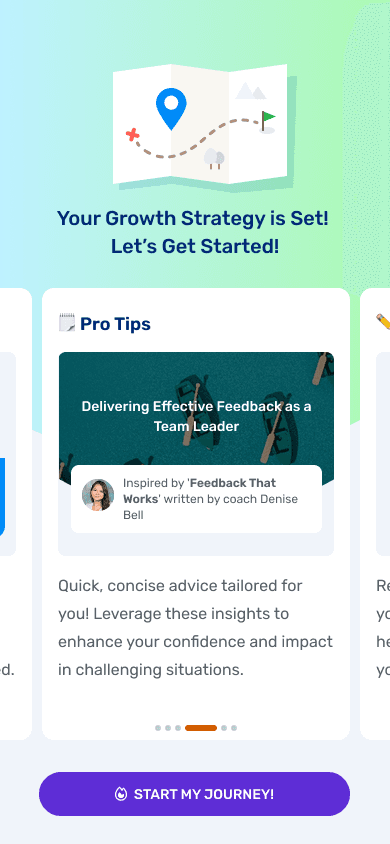
Moved to a step-by-step flow: "designing your coaching path." Strengths and opportunities surface one at a time, each with a short reflection prompt.
💎
04. Closed with a reward
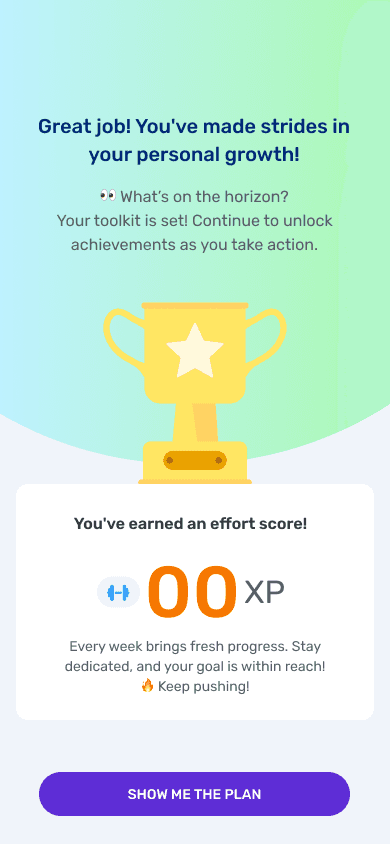
Effort score at the end — a concrete payoff for completing onboarding and a natural hook into the app's engagement system.
💡Impact for step format
Same content, half the cognitive load. Kept the conversational feeling while fitting how people actually read on mobile.
Weekly Progress Tracker
Making progress visible.
Designing for incomplete data in an early-stage product
Information hierarchy
Edge case mapping
State system
Drill-down navigation
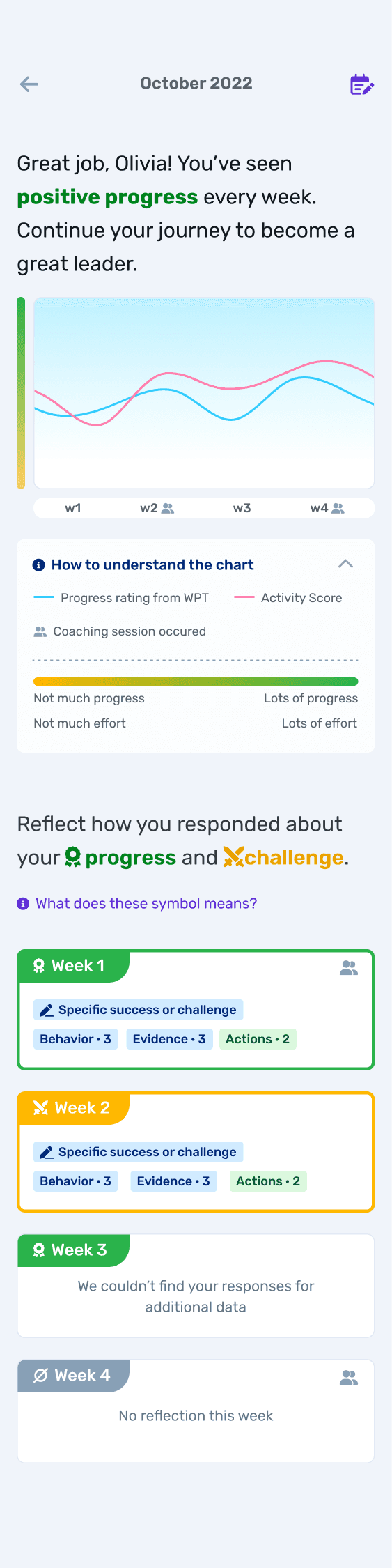
01. Two signals, one chart
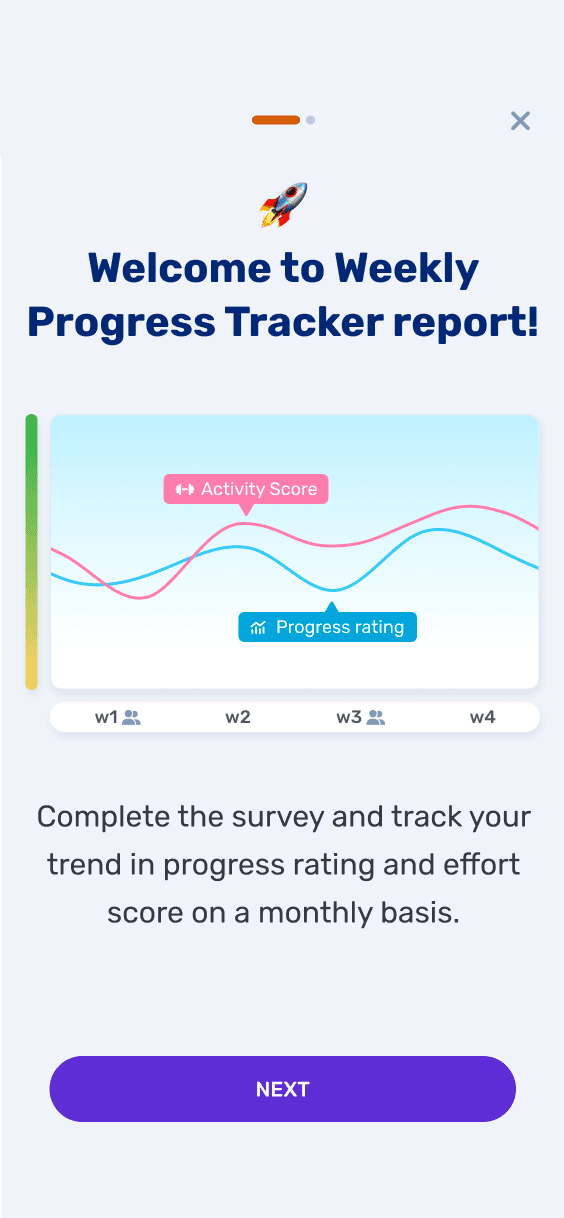
Activity Score (from in-app activity) and self-reported Progress rating are plotted together on the same chart. Coaching session weeks are marked on the x-axis. Seeing both lines overlap — or diverge — is where reflection happens.
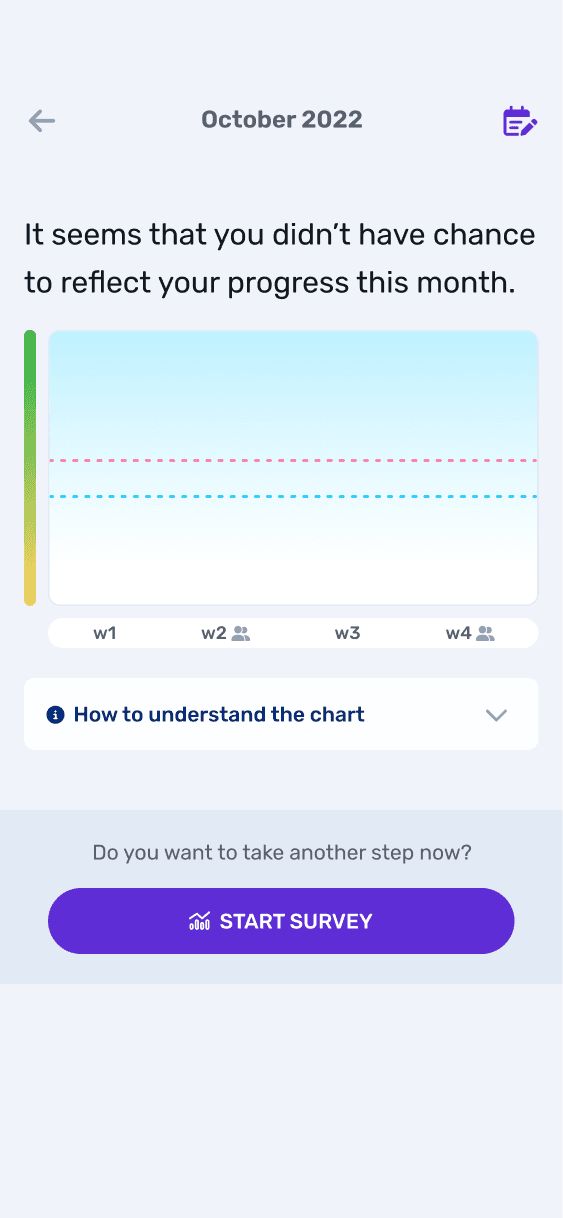
02. Mapped every missing-data scenario
Early product meant incomplete data was the norm — skipped weeks, missing first week, mid-month gaps. Each case handled specifically: dashed lines for gaps, grayed-out for no submission.
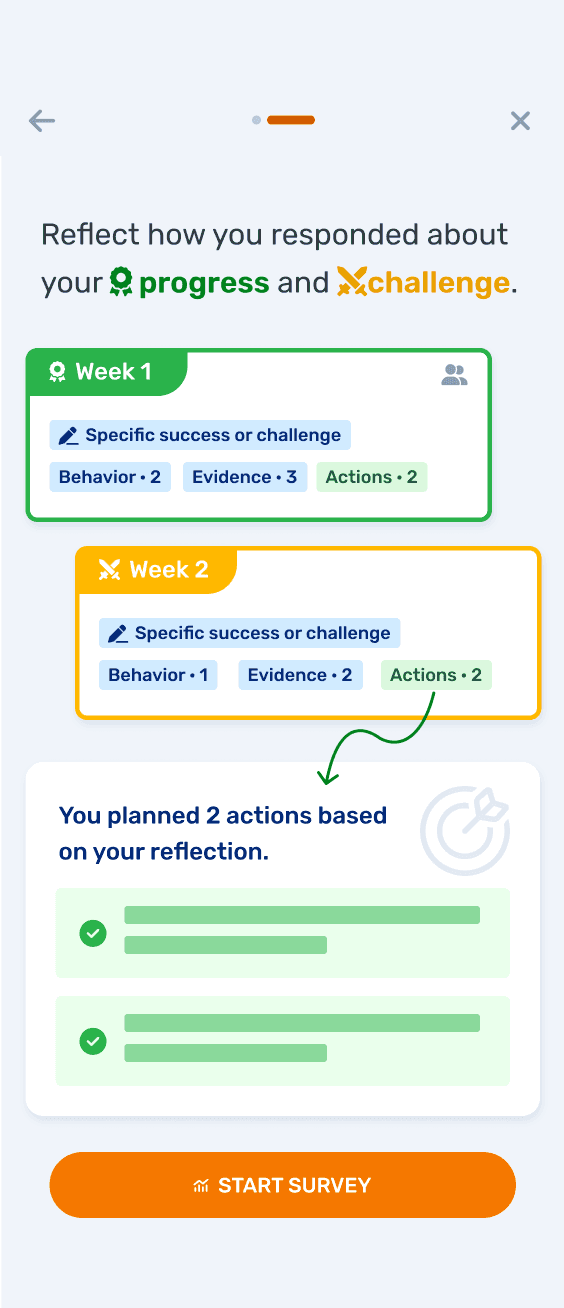
03. Color-coded weekly cards
🟢 Progress (green) / 🟡Challenge (yellow) / ⚪️ Skipped (gray). Tapping opens detail view without breaking context
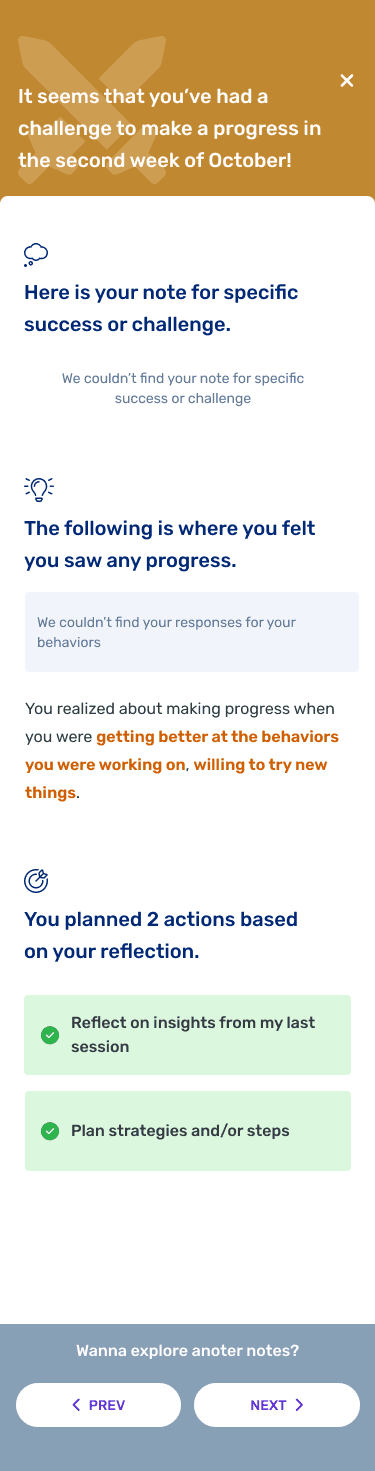
04. In-view week navigation
Prev/next at the bottom of the detail view — users move between weeks without returning to the main screen and losing their place.
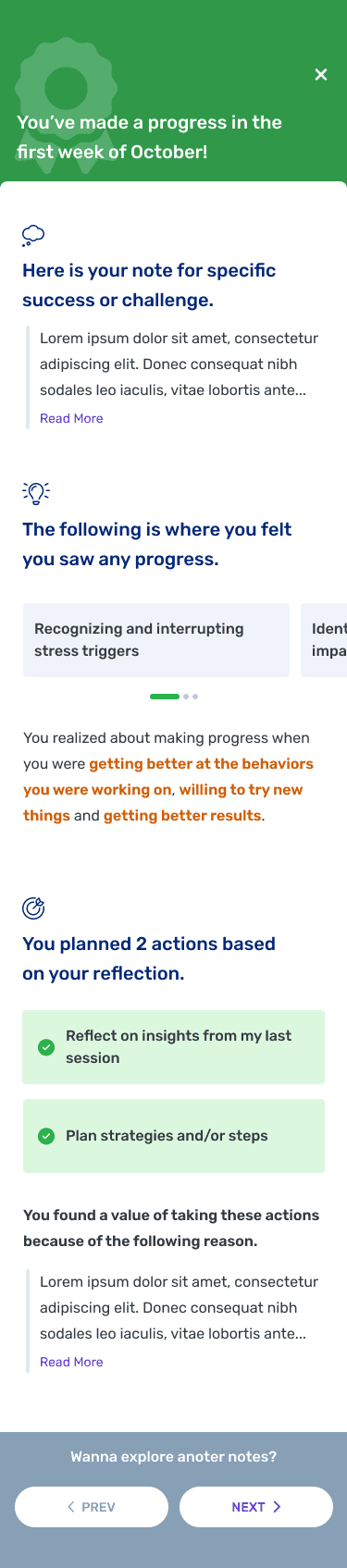
💭 Looking Back
The CTA to start a weekly reflection sits at the bottom of the screen. If I were designing this now, the empty card itself would be the entry point — tapping an incomplete week would launch the survey directly. And the card content would lead with what the user gets from reflecting, not just a summary of what's already there.
The Broader App
Designing the full experience.
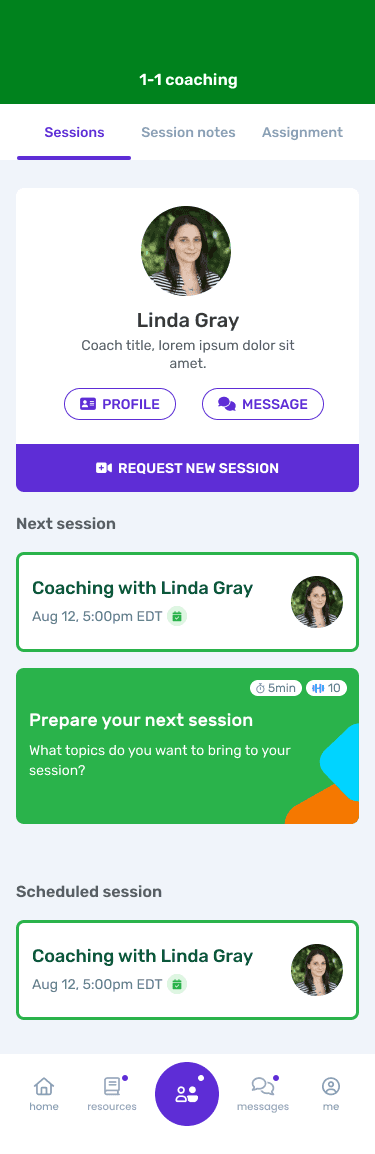
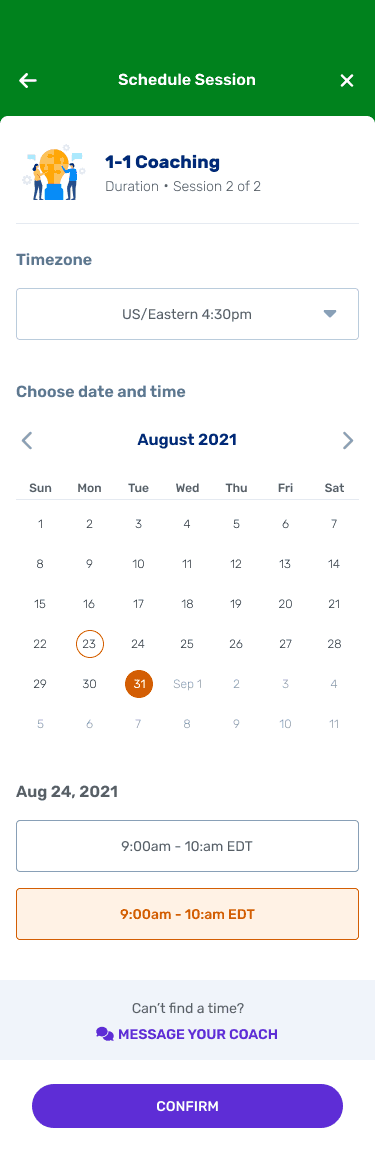
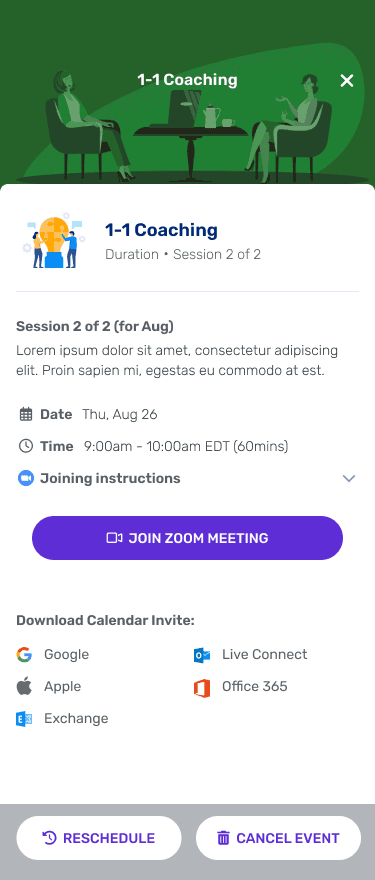
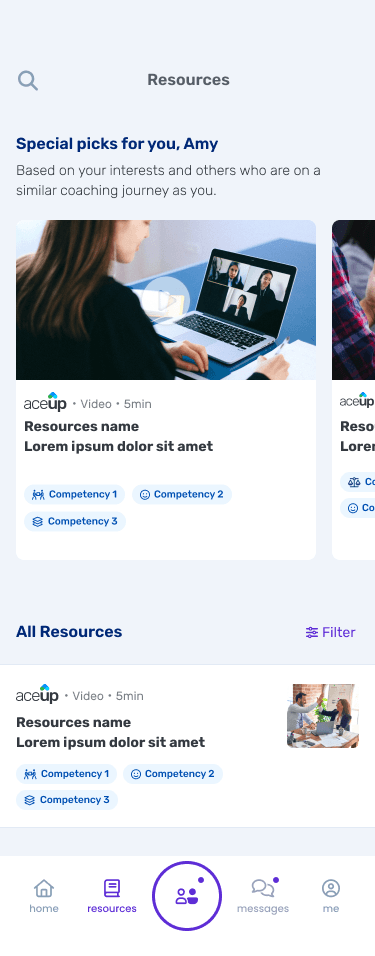
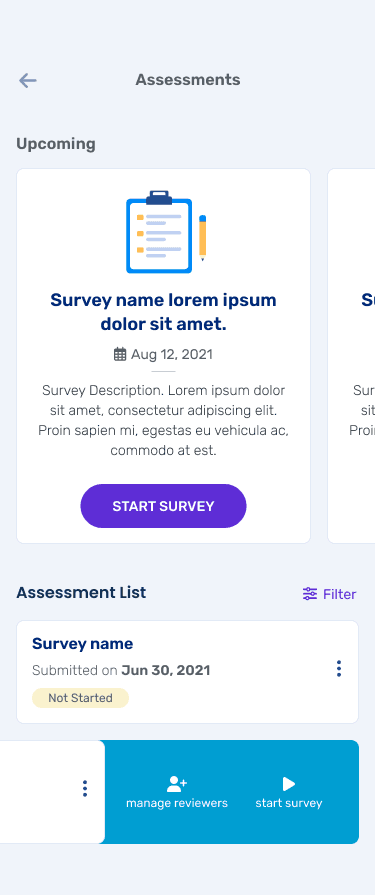
Beyond the features above, I was involved in designing the broader mobile experience from the ground up — navigation structure, session scheduling, messaging, resources, and the profile tab.

Let's Connect.
Interested in product design,
behavior change, AI, and building systems that scale.
studiohaena3@gmail.com
linkedin.com/in/studiohaena
See more works
© 2026 Haena Lee